


Sync your remote in minutes
Stop juggling three controllers. Get the exact button-by-button programming codes and synchronization steps to restore control of your IPTV box and television.
150+
supported brands
0s
lag fixes
Universal pairing codes
Find the exact four-digit frequency code to bind your universal controller to any major television brand or streaming receiver.
Television Brands
IPTV Box Brands
Common codes for programming universal remotes to popular TV sets. Hold MUTE and SELECT until the light blinks.
Frequencies for popular Android and streaming receivers. Ensure the box is powered on before entering the sequence.
0054
Samsung TV Default
1044
MAG Box Series
0178
LG TV Default
1082
Formuler IPTV
0030
Sony TV Default
1105
Nvidia Shield TV
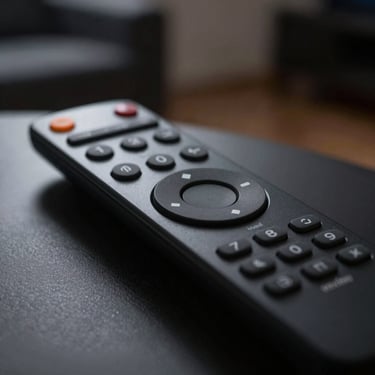
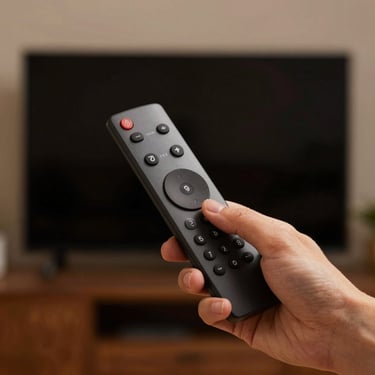
Identify your controller
Match your hardware to the layouts below. Select your model to access specific button-by-button troubleshooting guides and custom keymaps.
Unresponsive remote checklist
Check the LED light
Drain residual power
Re-pair Bluetooth
Press any key and watch the indicator. If it blinks red or stays dark, your batteries are desynced or dead.
Remove both batteries, then hold the power button down for fifteen seconds to hard-reset the internal chip.
Hold the Home and Back buttons together near your Android box until the light flashes to re-establish the link.